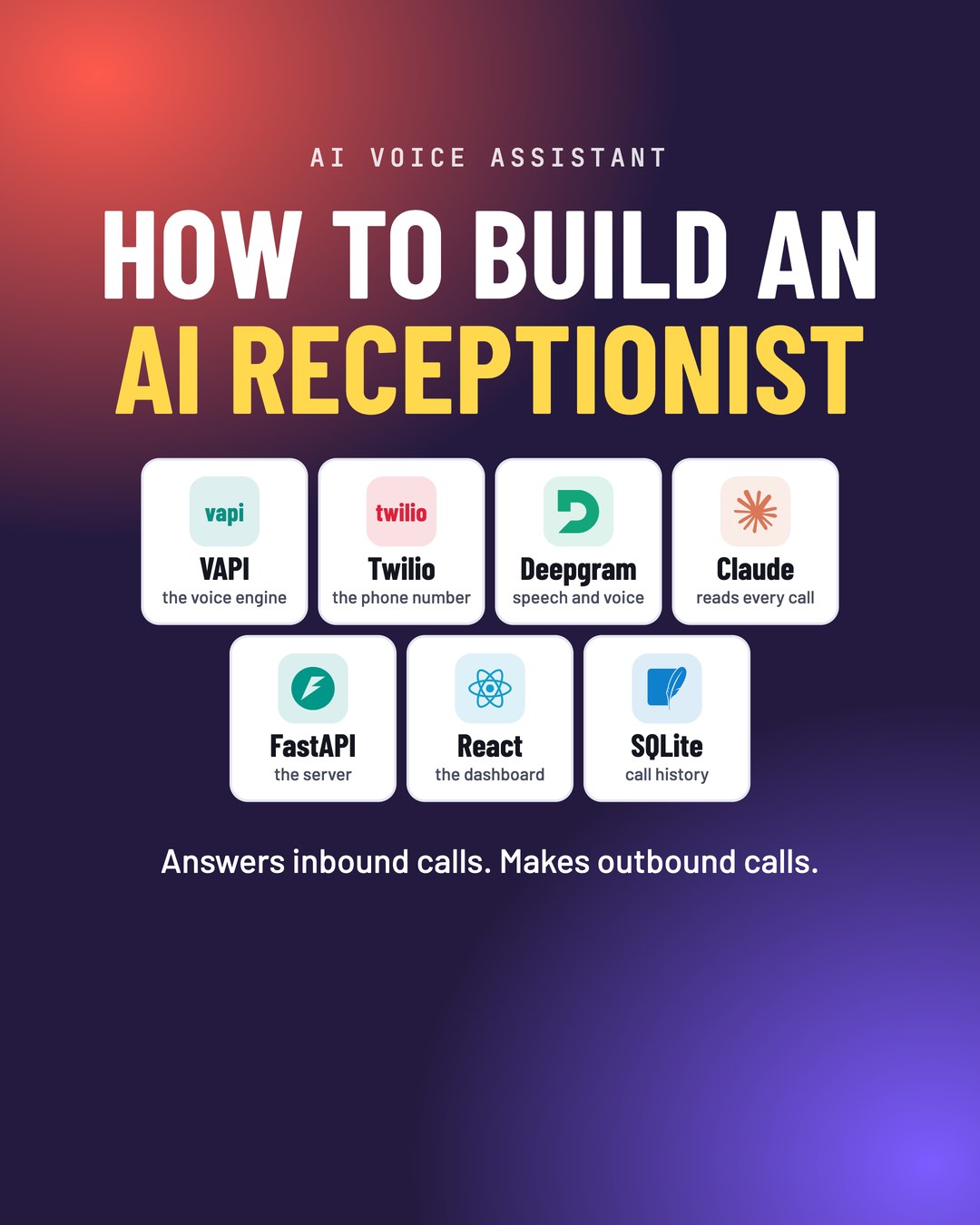
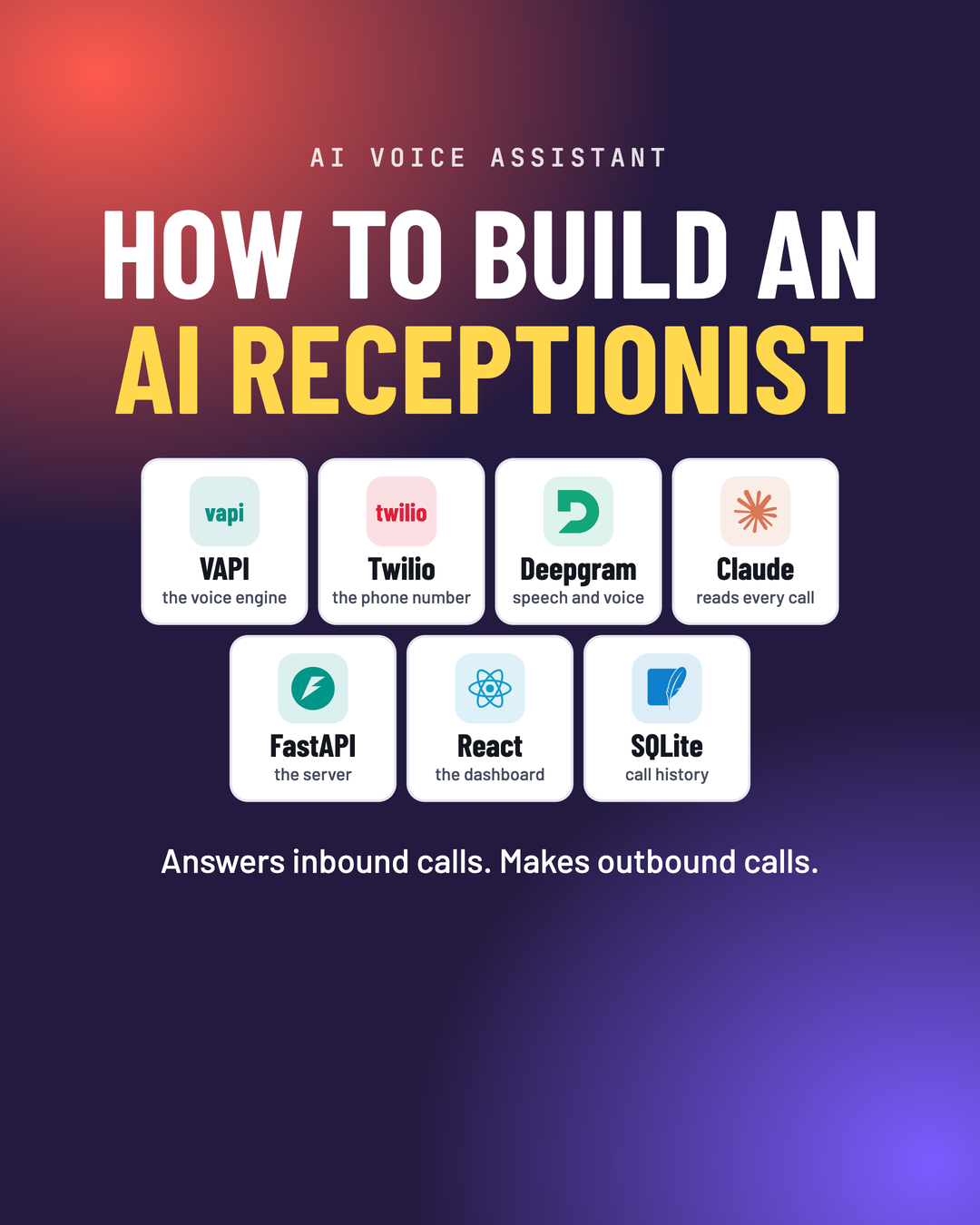
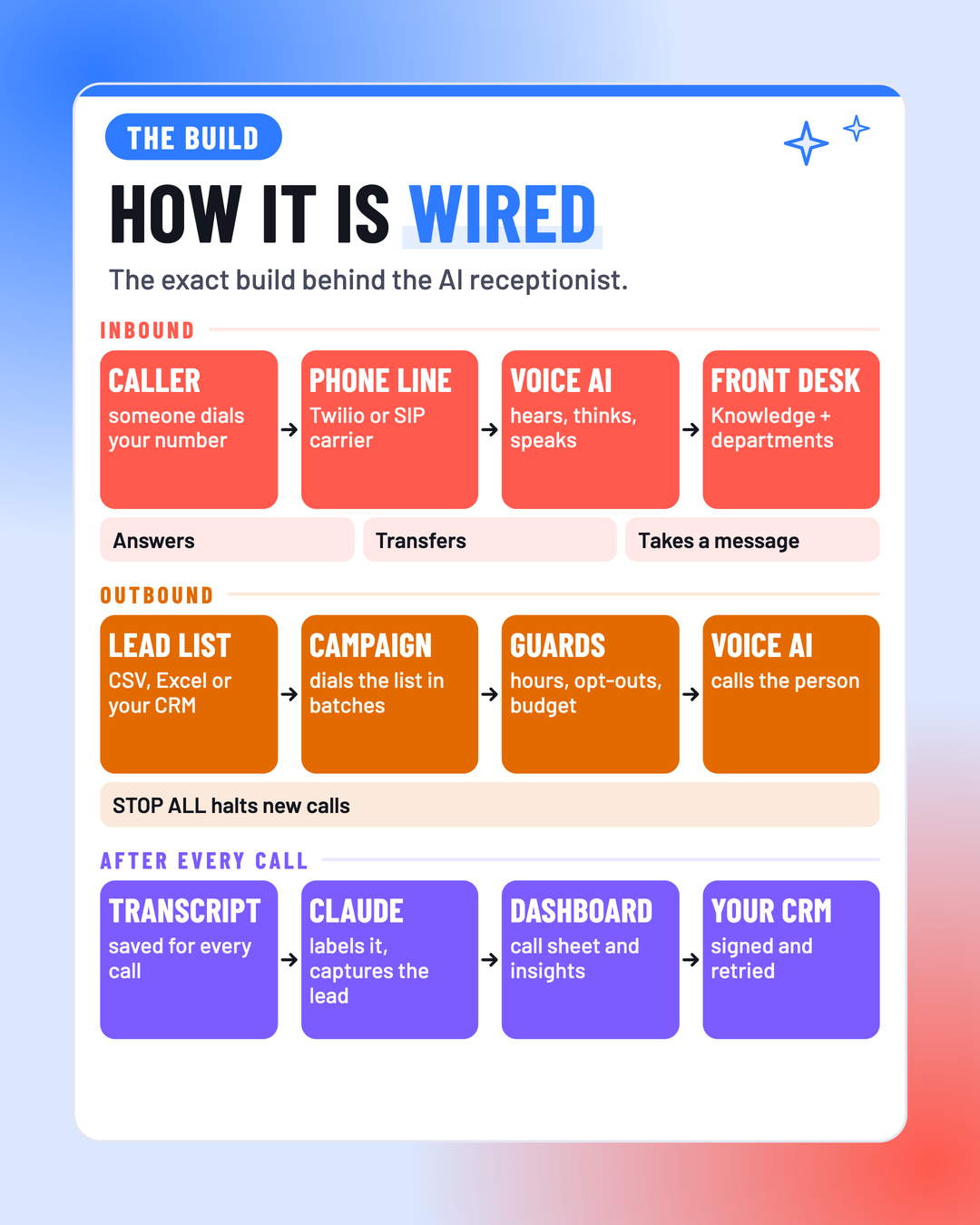
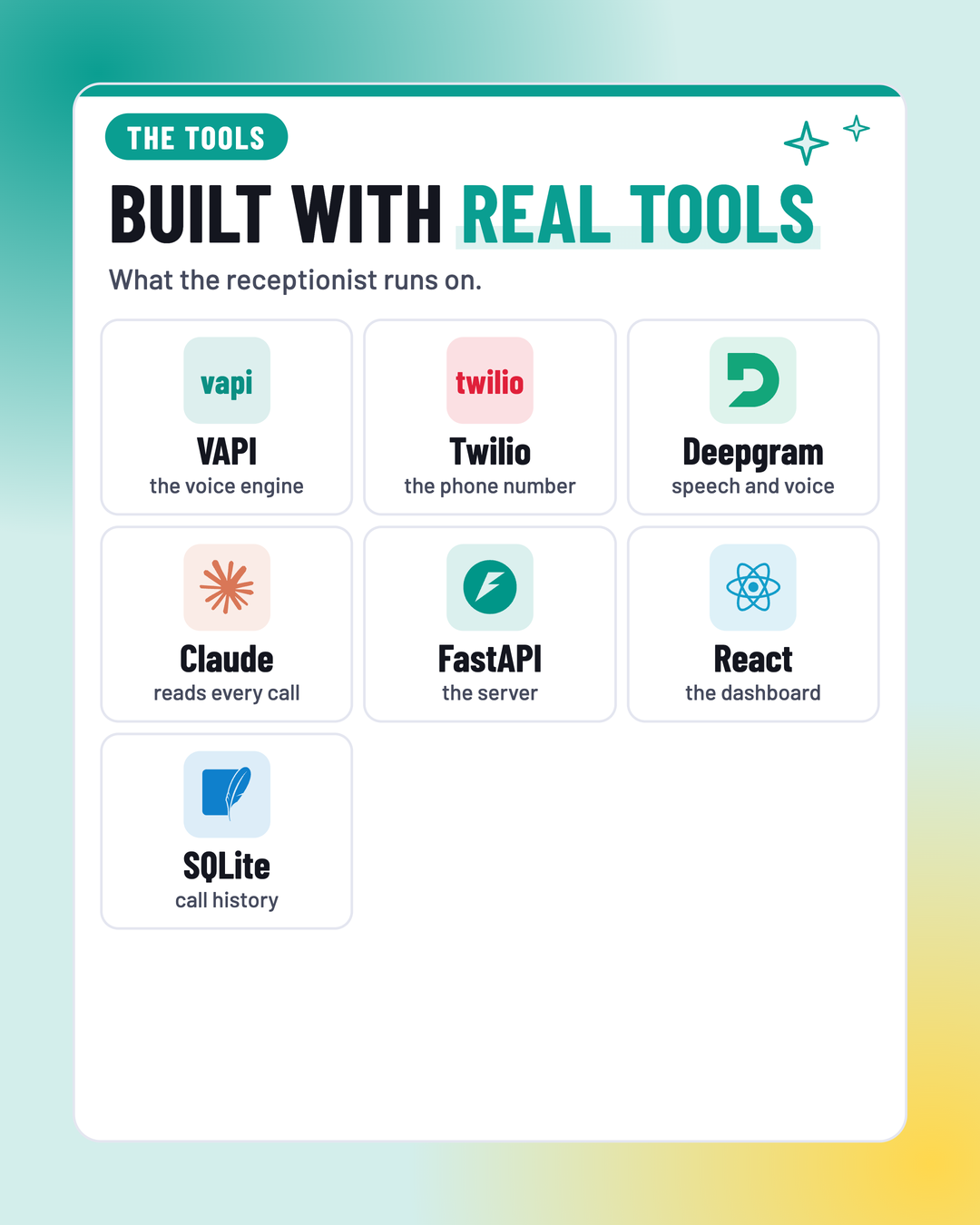
From an empty account to a receptionist that picks up, transfers, takes messages and follows up.
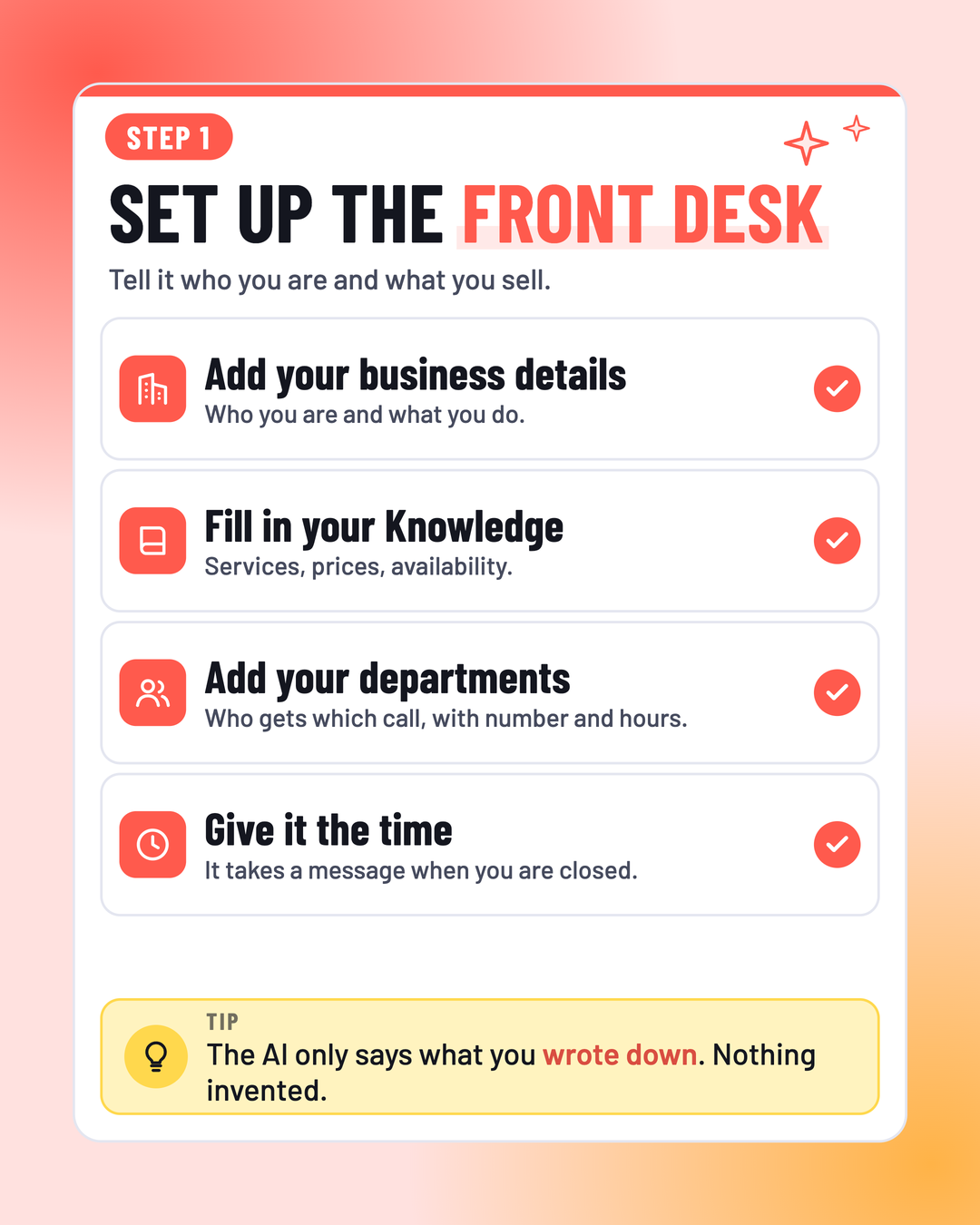
Step 1
Set up the front desk
Tell it who you are and what you sell.
- Add your business detailsWho you are and what you do.
- Fill in your KnowledgeServices, prices, availability.
- Add your departmentsWho gets which call, with number and hours.
- Give it the timeIt takes a message when you are closed.
The AI only says what you wrote down. Nothing invented.
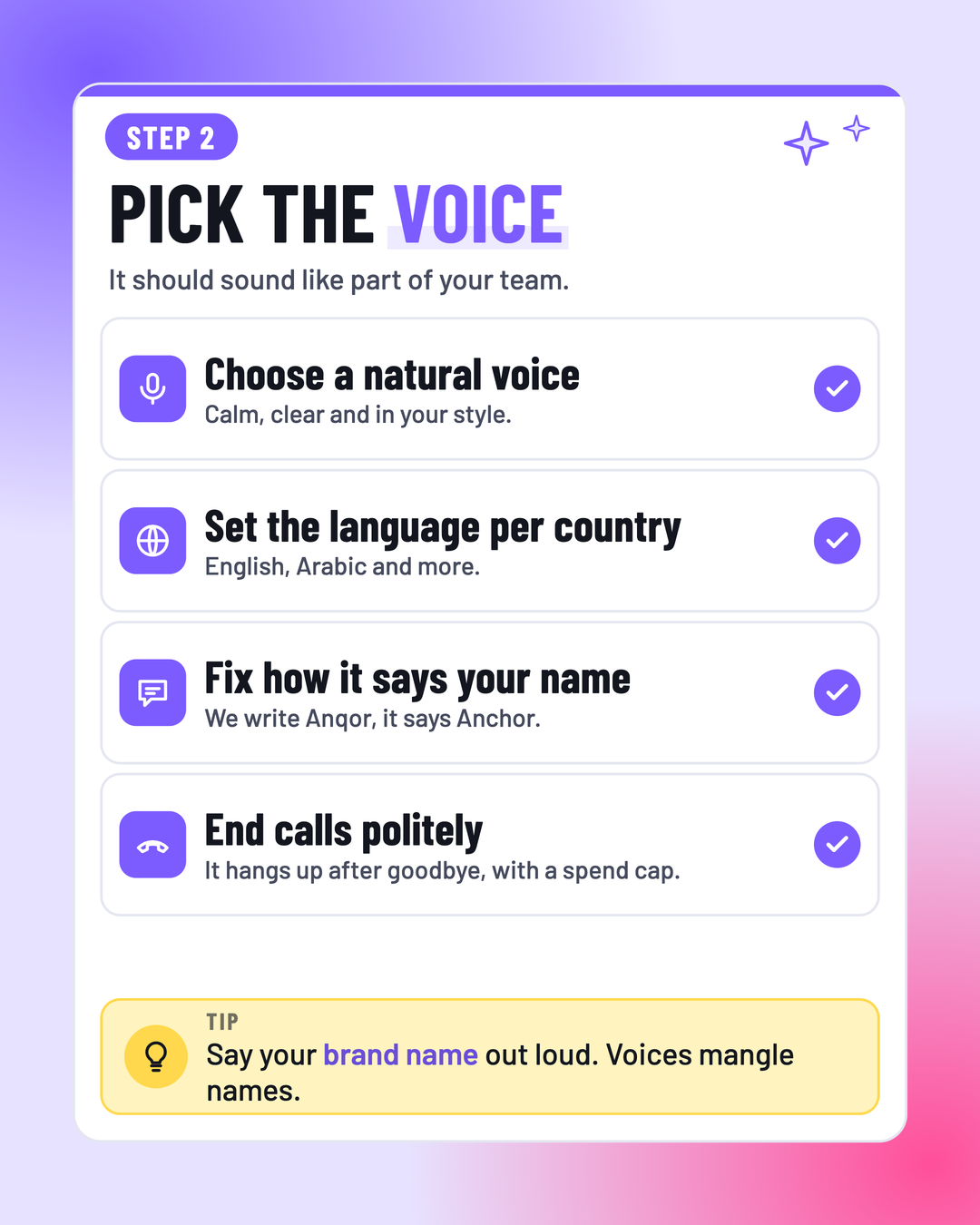
Step 2
Pick the voice
It should sound like part of your team.
- Choose a natural voiceCalm, clear and in your style.
- Set the language per countryEnglish, Arabic and more.
- Fix how it says your nameWe write Anqor, it says Anchor.
- End calls politelyIt hangs up after goodbye, with a spend cap.
Say your brand name out loud. Voices mangle names.
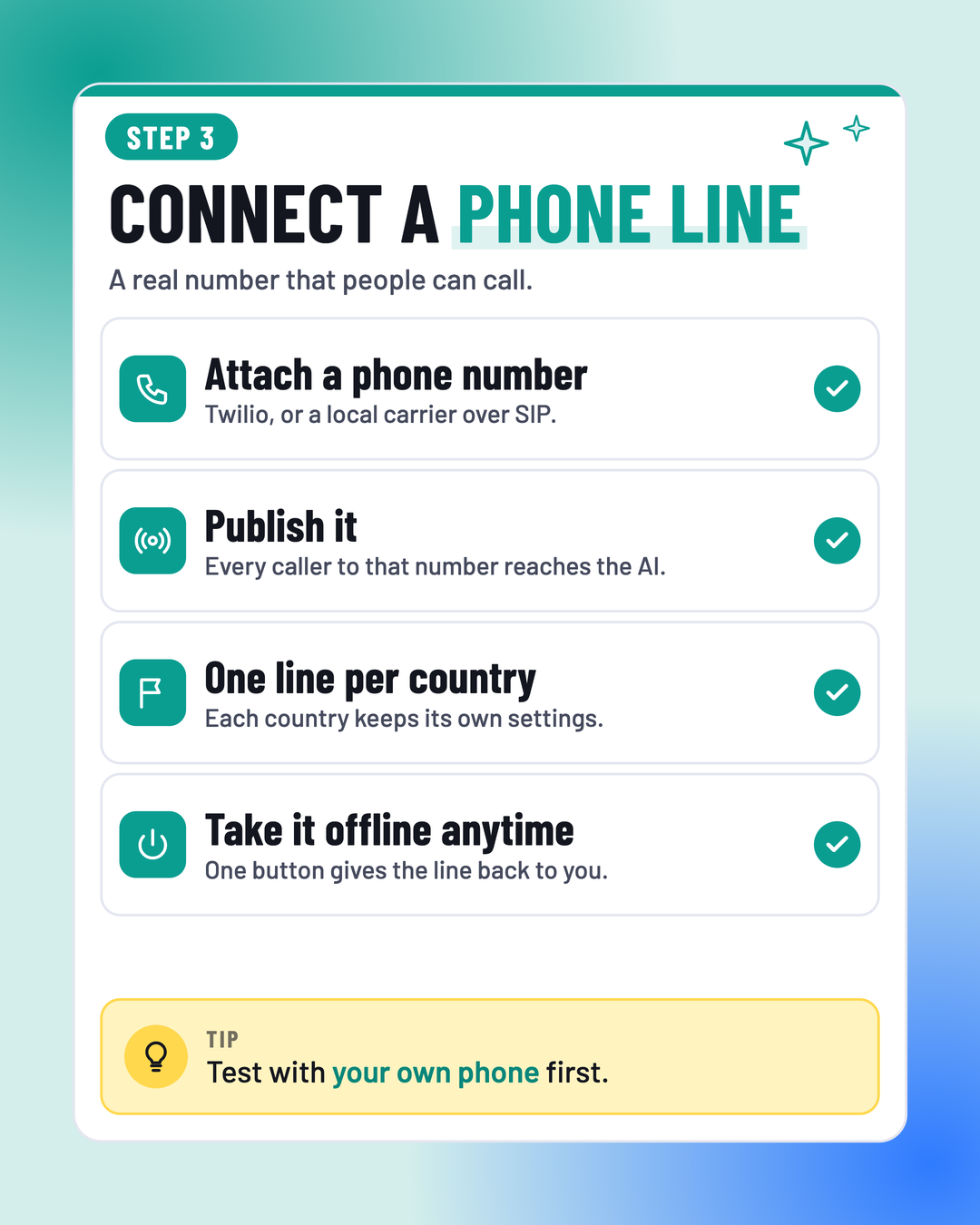
Step 3
Connect a phone line
A real number that people can call.
- Attach a phone numberTwilio, or a local carrier over SIP.
- Publish itEvery caller to that number reaches the AI.
- One line per countryEach country keeps its own settings.
- Take it offline anytimeOne button gives the line back to you.
Test with your own phone first.
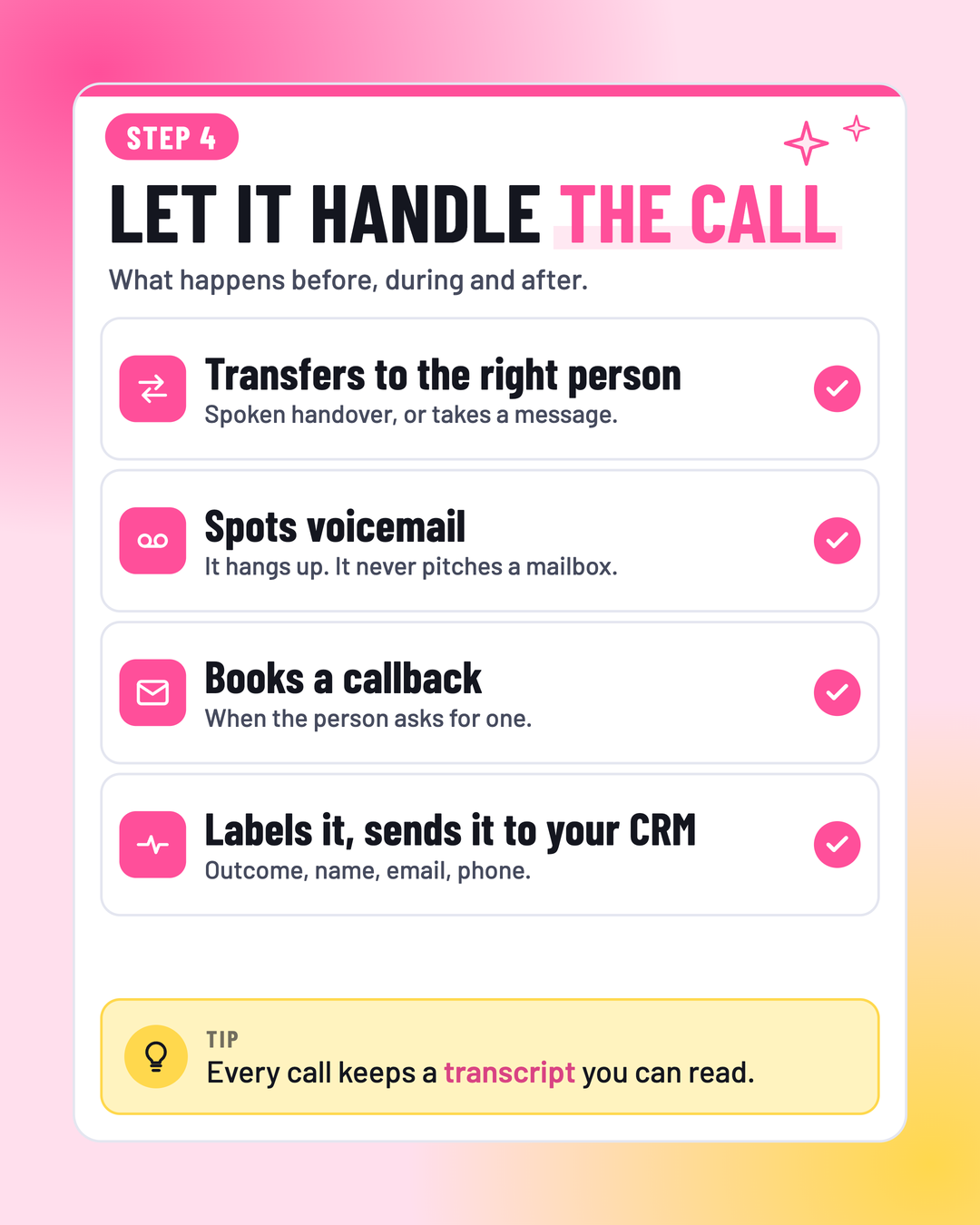
Step 4
Let it handle the call
What happens before, during and after.
- Transfers to the right personSpoken handover, or takes a message.
- Spots voicemailIt hangs up. It never pitches a mailbox.
- Books a callbackWhen the person asks for one.
- Labels it, sends it to your CRMOutcome, name, email, phone.
Every call keeps a transcript you can read.
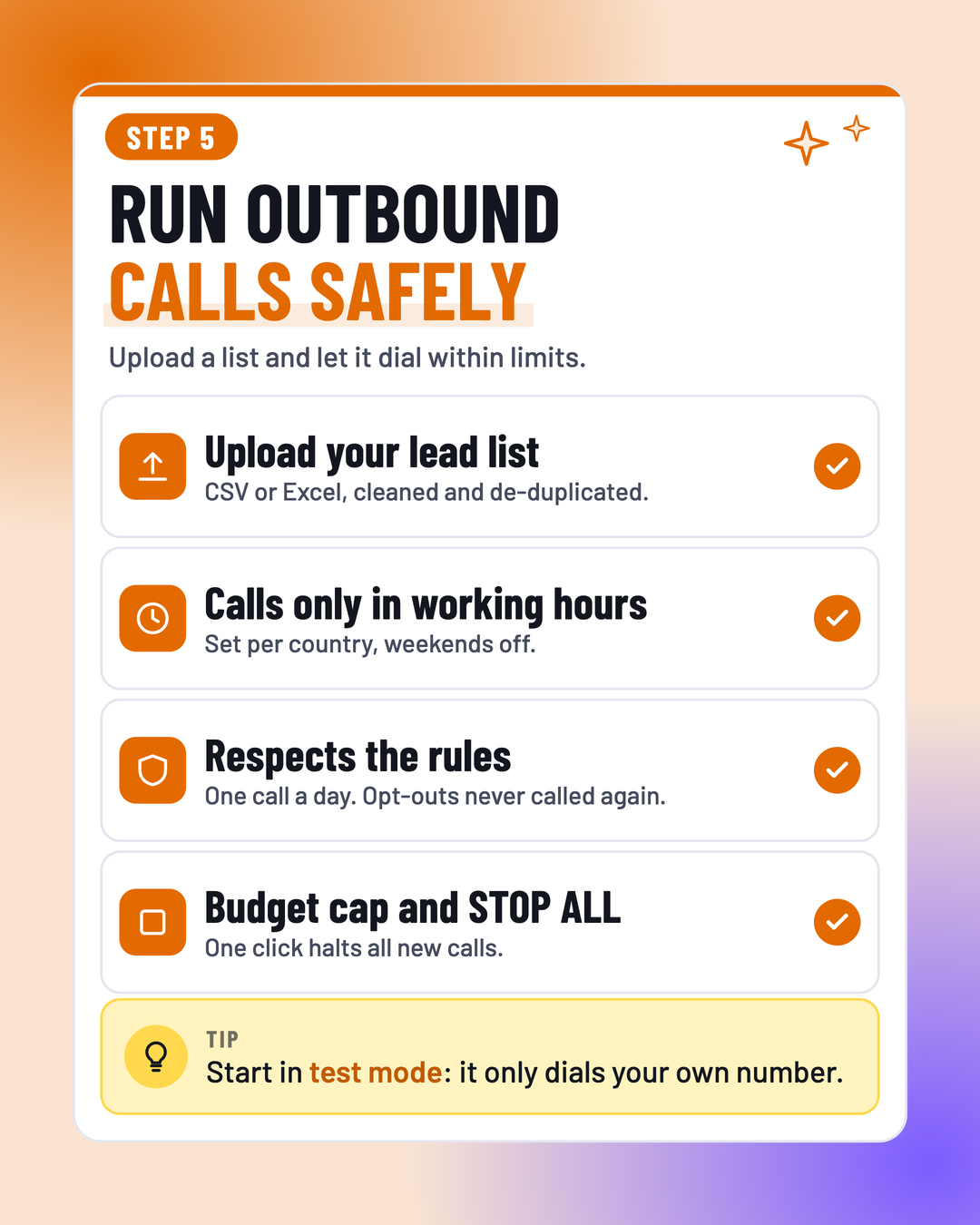
Step 5
Run outbound calls safely
Upload a list and let it dial within limits.
- Upload your lead listCSV or Excel, cleaned and de-duplicated.
- Calls only in working hoursSet per country, weekends off.
- Respects the rulesOne call a day. Opt-outs never called again.
- Budget cap and STOP ALLOne click halts all new calls.
Start in test mode: it only dials your own number.